The Ultimate Guide to Configuring Academic Batches, Courses, and Classes: A One-Time Setup Blueprint for School Admins
In the cycle of school administration, the weeks leading up to the new academic year are the most critical. This is the period when the school's abstract academic structure must be translated into concrete, digital registers inside your management platform.
You must define departments, set up classes, configure sections, register student batches, map curriculum subjects, and assign faculty teaching schedules. Every daily operational workflow—from taking morning attendance to collecting fee invoices, scheduling tests, and printing year-end grade sheets—depends entirely on how accurately your academic registry is configured.
Under legacy school software, this setup phase is a complex, confusing process. Administrators are presented with multiple disjointed screens, required to enter duplicate code combinations, and a single mistake in mapping a subject can corrupt grading structures for the rest of the year.
Setting up your school's digital foundation should not feel like solving a complex software puzzle. This guide outlines a clean, step-by-step technical blueprint to help school admins configure their academic structures cleanly, quickly, and with absolute operational correctness.
The Structural Elements of a School Registry
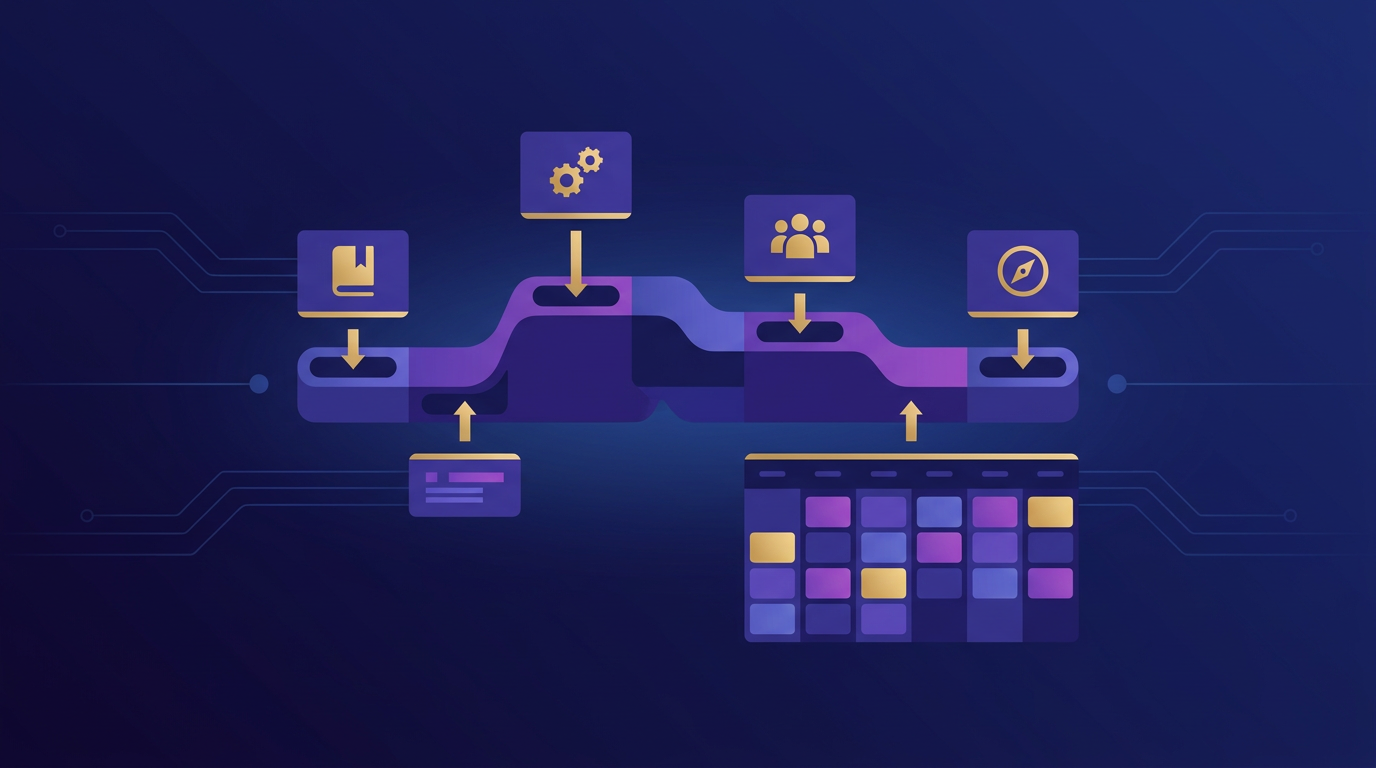
To establish a clean database, you must understand how your school's operational hierarchy maps to digital database tables. A modern system organizes your setup across five distinct, sequential layers:
- The Academic Year (The Master Node): Defines the calendar duration of the active academic cycle (e.g., June 2026 to April 2027). All subsequent student records, grades, and fee transactions are nested under this node, keeping historical files isolated and archived cleanly.
- Classes (The Core Tracks): Standardized levels of education (e.g., Class 1, Class 2, Class 11, Class 12).
- Sections (The Operational Batches): Physical cohorts of students nested under a Class (e.g., Class 10-A, Class 10-B). This is the level where class teachers are assigned and daily roll calls are recorded.
- Subjects (The Curricular Catalog): Specific courses of study defined globally or assigned to specific classes (e.g., Mathematics, Physics, Chemistry). Each subject must carry specific academic attributes, such as whether it is a core class, an elective stream, or carries practical marks.
- Subject-Teacher Mapping (The Logistics Bridge): Binds a specific section, a specific subject, and a specific teacher into a single operational unit (e.g., mapping "Physics" for "Class 11-A" to "Dr. Malhotra"). This bridge governs who can mark attendance, enter grades, and assign student homework.
1. Step-by-Step Configuration Guide
When starting your academic setup inside your management console, always execute your configurations in this logical order to maintain absolute data integrity:
Step 1: Define the Master Academic Session
Begin by creating the new master academic session node in your system. Set the active start and end dates and label the session clearly (e.g., "2026-2027 Academic Session"). Ensure that your system default points to this new session so that all new student admissions are assigned to this cycle automatically.
Step 2: Bulk-Create Classes and Nest Sections
Establish your class registries. Modern platforms allow you to bulk-create classes (e.g., from LKG to Class 12) with a few clicks. Once created, nest your active sections under each class, assigning classroom capacity caps to prevent over-enrollment during admissions.
Step 3: Build Your Global Subject Library
Define your core curriculum subjects. Instead of creating "Mathematics" ten times for ten different classes, create "Mathematics" once in your global library. You can then assign it to multiple classes and specify whether it is a core class, an optional elective, or has a practical lab component for that specific level.
Step 4: Map Subjects to Faculty (The Logistics Bridge)
Bind your subjects, sections, and teachers. Select a class section, view its active curriculum subjects, and assign the responsible instructor from your registered staff list. This simple, visual mapping establishes who governs the grading sheets and attendance registers for every single class, establishing absolute operational accountability.
2. Reclaiming Peace of Mind with CampusMint’s Academics Module
We designed CampusMint’s **Unified Academics Command Center** specifically to remove the headaches and repetitive data entry historically associated with configuring a school ERP registry.
The Visual Academics Control Center
CampusMint replaces the scattered, multi-screen legacy setup with an elegant, tabbed administration console. Create academic sessions, nest sections, and map subjects from a single, unified workspace. What used to be a frustrating, multi-day administrative chore is now a simple, one-time setup task completed in under an hour.
Dynamic Prerequisites and Elective Validations
Our platform handles complex choice-based registration layouts gracefully. When configuring multidisciplinary electives under NEP 2020 guidelines, CampusMint automatically validates student prerequisite courses and monitors classroom capacities in real-time, preventing enrollment overlaps.
Seamless Year-End Rollovers
When the academic year closes, CampusMint’s **Year-End Rollover Engine** allows you to transition your entire school to the new session with a single click. Elevate student sections, archive historical fee and grading registries, and auto-generate new billing invoices flawlessly, ensuring a calm, stress-free start to your new academic term.