The Paperless Admissions Office: How Schools can Collect Applications and Verify Documents Online
The annual admission season is the primary business pipeline for school owners, but it is also an administrative pressure cooker. Admissions offices are crowded with prospective families, desks are piled high with handwritten registration forms, and staff members spend hours photocopying, sorting files, and verifying physical certificates (birth certificates, transfer cards, and caste logs).
When this volume is handled manually, data entry errors are common, document verification is slow, and parents face a tedious, repetitive onboarding process that harms the school's brand perception from day one.
Transitioning to a modern, paperless admissions office eliminates administrative bottlenecks and provides families with a premium, seamless enrollment experience.
This guide breaking down the technical steps to configure an online registration portal and automate document verification cleanly.
The Costs of Paper Admissions
Relying on physical forms and paper document verification causes significant data entry duplicate errors and slows down onboarding.
1. Data Entry Duplication
When parents fill out physical forms, clerks must re-type that information into the school ERP or database. A single typo in a child's name, parent's email, or mobile number can break communication for the rest of the year.
2. Inefficient Document Auditing
Sorting, filing, and verifying physical certificate copies takes massive office space and hours of clerical audit labor, with documents frequently lost or misfiled in the shuffle, slowing down registrations.
3. Friction in Prospectus Payments
Forcing parents to stand in queues at the school counter to pay prospectus fees or verify files introduces unnecessary administrative friction, damaging the school's brand perception from day one.
1. The Paperless Admissions Blueprint
To streamline your admissions operations and provide a premium onboarding experience, you must transition to a cloud-first application workspace.
Step 1: Set Up Online Application Portals
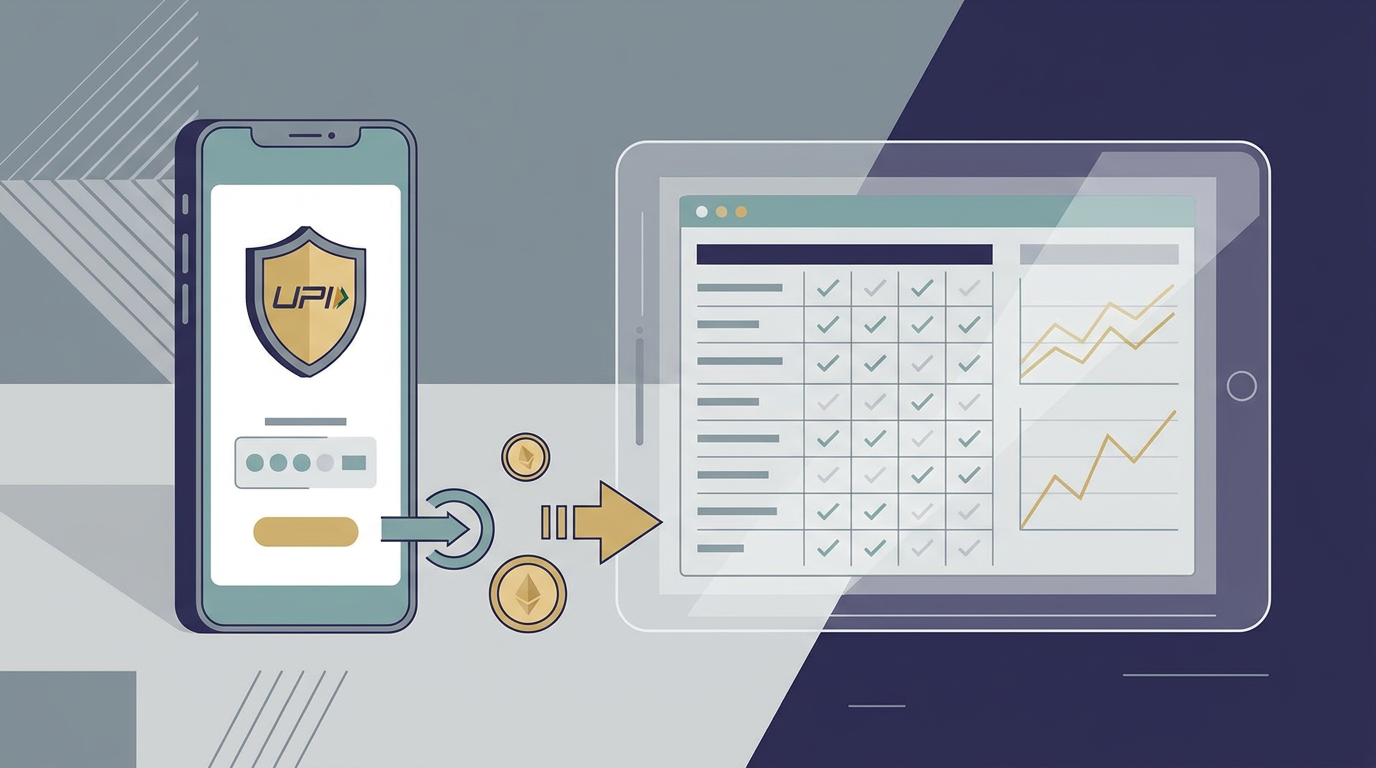
Provide a secure, public-facing online admission portal where parents can explore course brochures, complete application forms, and pay prospectus registration fees online securely using UPI or cards.
Step 2: Implement Secure PDF Document Upload Lanes
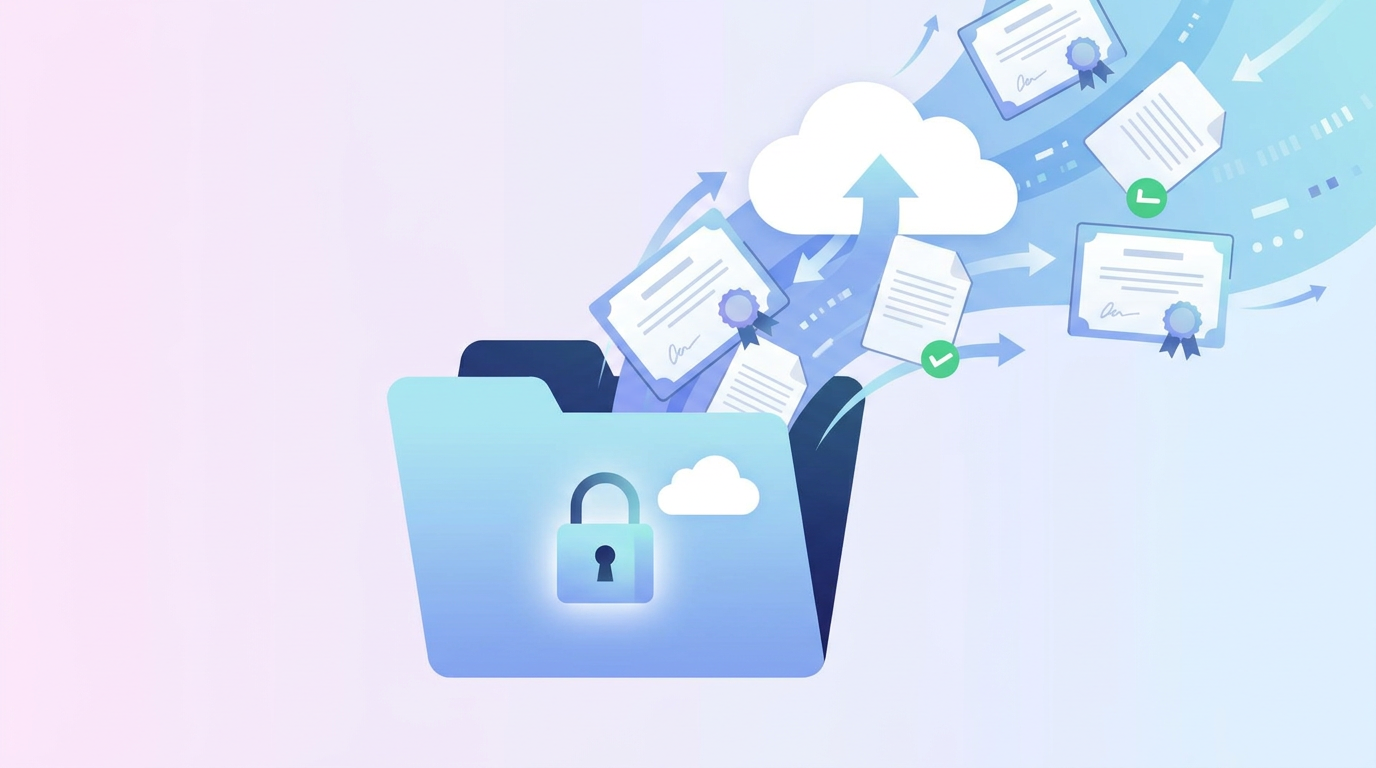
Integrate secure upload slots directly into your registration form. Parents can upload digital scans or smartphone photos of birth certificates, Aadhaar cards, and academic reports directly from their devices, eliminating physical paperwork piles.
Step 3: Enable Fast Administrative Verification Dashboard
Equip admissions officers with a dedicated verification console. Officers can review digital documents side-by-side with student forms, approve verified applications, and assign student registration numbers with a single click, instantly syncing records with the central school database.
2. Reclaiming Onboarding with CampusMint’s Admissions Console
We designed CampusMint’s admissions module specifically to simplify the registration workflow for Indian school leaders, allowing you to manage applications with absolute ease.
Public Registration Portals
CampusMint provides a beautiful public application workspace. Parents can complete registration forms, upload files, and settle prospectus fees online via UPI, completely eliminating office queues.
Side-by-Side Verification Desks
Our platform equips registrars with secure verification dashboards. Review parent forms alongside secure document uploads, approve verified profiles, and assign sections dynamically in seconds from a single screen.
Auto-Generated Student Records
The moment an application is approved, CampusMint auto-generates the master student record, registers their fee ledgers, and alerts their parents with login details, establishing a premium onboarding experience.