The Indian School ERP Checklist: Moving Beyond Administrative Complexity
Every year in late January, a quiet tension begins to build in the administrative offices of Indian schools. Board registrations for Class 10 and 12 are undergoing final validation. The upcoming academic year's admissions brochures are headed to the press. Parents are lining up at the counter with fee-related queries, and teachers are frantically compiling mid-term grades.
For the average school owner or principal, this period is a stark reminder of how fragile manual workflows can be. You look at your desk, and it is buried in fee receipts, Excel printouts, board registration spreadsheets, and teacher diaries.
Perhaps you already have a software system in place. Yet, your accountants are still tracking fee defaults in separate registers. Your teachers are spending fifteen minutes of every lecture marking attendance on paper before typing it into a computer. Your parents are complaining that they do not receive crucial circulars, or they are receiving ten different notifications on a chaotic WhatsApp group where everyone is replying simultaneously.
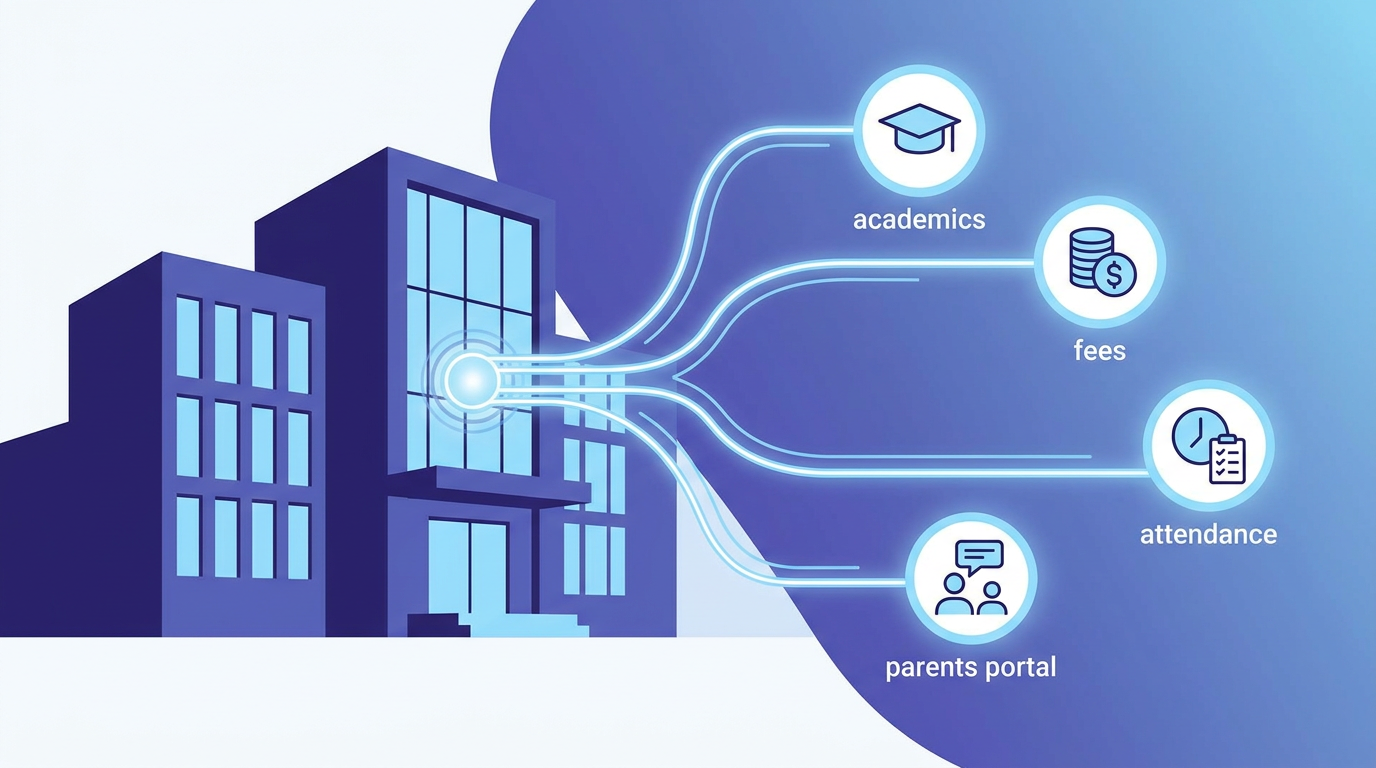
Most educational institutions in India do not have a software problem; they have an integration problem. They are caught in a cycle of "system fatigue" where they utilize multiple disconnected applications—one for fees, one for SMS alerts, one for online exams, and a dozen Excel files to patch the gaps.
This guide provides a practical, real-world selection checklist for Indian schools looking to move beyond administrative complexity and find a system that actually works for their daily operations.
The Landscape of Indian School Administration
Managing a school in India is fundamentally different from managing an educational institution in any other part of the world. Our schools operate under dense regulatory environments, complex fee structures, and highly competitive academic timelines.
Regulatory and Board Compliance
Whether your school is affiliated with CBSE, ICSE, or a State Board, the administrative burden is immense. You must keep records of student attendance that meet strict board eligibility thresholds (often 75%). You must manage student registrations, generate admit cards, handle continuous assessment data, and ensure that your subject mappings align exactly with board curricula.
When registration season arrives, administrators must match spelling variations of names, dates of birth, and mother-tongue selections between board portals and internal registers. A single typo can delay a student’s admit card, leading to severe parental panic.
The Complexity of Fee Collection
Indian fee structures are rarely straightforward. You do not just collect a flat tuition fee. Instead, you manage:
- Term-wise tuition fees
- Quarterly transport fees with varying charges based on bus routes
- Monthly laboratory fees for science students
- Annual admission fees, uniform fees, and examination fees
- Diverse concession categories (sibling discounts, staff child concessions, merit scholarships, RTE admissions)
Accountants spend hours every month manually reconciling bank transfers, cash payments at the counter, and direct UPI deposits. When a parent pays via bank transfer, matching that transaction to a student record without a robust system becomes a detective job.
Communication Fragmentation
Schools need a structured channel to communicate with parents. When you rely on printed circulars, they often remain at the bottom of school bags. When you rely on informal WhatsApp groups, parent complaints can quickly spiral out of control, or critical announcements get lost in a sea of "Thank you, Teacher" replies.
1. The Core Modules: What to Evaluate First
When looking for the best school ERP India offers, do not get distracted by a long list of features. Focus on how the core modules handle the realistic scenarios your staff faces every day.
1.1 Fee Collection and Accounting
The fee module is the financial engine of your school. A proper system must automate the heavy lifting so your accountants can focus on reconciliation rather than data entry.
- Flexible Fee Structuring: Can the software create fee categories and assign them to specific groups? For example, can it apply a transport fee only to students assigned to "Route 3B" and apply a biology lab fee only to Class 11 Science students?
- Automated Fine Calculations: Does the system calculate late fees automatically based on grace periods? Manual entry of late fines is a primary source of friction at the fee counter.
- Integrated Online Payments: Parents expect to pay online via UPI, credit cards, or net banking. The system should automatically generate a digital receipt the moment a payment is successful, update the student’s ledger, and send a confirmation message to the parent’s phone.
- Partial Payments and Instalments: In many tier-2 and tier-3 cities, parents prefer paying in multiple smaller instalments rather than quarterly lump sums. The software must track outstanding balances across instalments without manual bookkeeping.
1.2 Student Attendance and Board Eligibility
Marking attendance should not consume teaching time. Look closely at the workflow your teachers will use.
- Rapid Classroom Entry: If a teacher must click ten clicks to mark one student present, they will abandon the software. The interface should default to "All Present," allowing teachers to simply tap on the few absent students.
- Instant Parent Notifications: If a student is absent, their parents should receive an automated SMS or app alert within fifteen minutes of the school day starting. This is a critical security expectation for parents.
- Board Eligibility Tracking: The software must generate real-time reports indicating which students are falling below the mandatory 75% board attendance threshold. This allows class teachers to send early warnings to parents before final board registrations are locked.
1.3 Consolidated Student Profiles
Your student database should be a single source of truth.
- Lifecycle Tracking: A student’s record should persist from initial admission enquiry to final school-leaving certificate. This includes academic performance, attendance trends, disciplinary logs, and fee history.
- Parental Linkages: The database must link siblings under a unified parent profile. When a parent logs in, they should be able to view both of their children’s profiles, pay fees, and view report cards without logging out and back in.
2. A Practical Selection Checklist for School Leaders
Use this checklist during your software product demonstrations to separate marketing promises from operational reality.
Step 1: Evaluate the Implementation Strategy (The "Onboarding Trap")
Many school software projects fail before they even launch. Why? Because schools are handed a blank software portal and expected to upload all student data themselves.
Look for a vendor that provides complete data migration services. Your existing registers and Excel sheets are likely messy. The software provider's team should clean your data, map your classes, and set up your initial databases before your staff ever logs in.
Step 2: Test the "Click Count" on Daily Tasks
During your demo, ask the salesperson to show you the exact sequence of clicks required to perform three daily tasks:
- Collect a cash fee at the counter, print a receipt, and close the drawer.
- Mark daily attendance for a class of 45 students.
- Send a school-wide urgent holiday notice to parents.
If any of these tasks require navigating through multiple menus or loading heavy pages, your staff will feel overwhelmed, and the implementation will slowly grind to a halt.
Step 3: Verify Role-Based Permission Controls
Your teachers should not see fee collection data. Your fee clerks should not be able to modify student grades. Your bus drivers should only see transport rosters.
Ensure the system allows you to define granular permission boundaries. If a system only has a single "Admin" and "User" role, it is not ready for a mature school environment.
3. Designing a System for Non-Technical Users
One of the greatest school administration challenges in India is the digital divide among staff members. Your senior-most teachers, who possess decades of academic wisdom, may not be comfortable with complex software. Your bus drivers and security staff need a system they can understand instantly.
If your software requires extensive computer training, your staff will find workarounds—which usually means going back to paper.
We built CampusMint to solve exactly this challenge. By designing an interface that is as simple to use as consumer mobile apps, we ensure that every staff member, regardless of their technical background, can complete their tasks with zero stress.