The Admissions Funnel for Coaching Centers: Converting Queries into Enrollments Without Manual Follow-Ups
For coaching centers and test-prep institutes, the admissions season is a high-volume lead management challenge. Marketing campaigns, social media ads, and walk-in queries generate hundreds of prospective student inquiries. Yet, many centers struggle to convert these queries into active, paid enrollments because their staff is tracking leads in physical notebooks, paper slips, or massive, unorganized Excel sheets.
When prospective leads are handled manually, follow-ups are inevitably delayed, counselors overlook inquiries, and students sign up with competing institutes who responded faster. Converting student leads requires a structured admissions funnel, backed by an automated admissions CRM.
This guide breaks down the technical steps to automate your admissions funnel, capture prospective inquiries cleanly, and scale your coaching enrollments with ease.
The Lead Conversion Bottlenecks
Relying on loose, manual inquiry records damages conversions and leaves coaching center owners blind to counselor performance.
1. The Overlooked Inquiry Trap
When walk-in parents fill out paper inquiry slips, those details must be typed into spreadsheets manually. If a counselor is busy, those slips pile up on desks, and hot student leads go cold before the first follow-up call is ever made.
2. Lack of Follow-Up Analytics
Coaching owners often don't know why students choose not to enroll. Without a central dashboard tracking lead statuses (e.g., "Inquiry," "Trial Scheduled," "Overdue Follow-up," "Enrolled"), optimizing admissions strategies is impossible.
3. Complex Onboarding Workflows
When a lead finally converts, typing their details into your student database, mapping them to active classes, and generating billing invoices manually takes hours, frustrating families and overwhelming staff.
1. The CRM Automation Blueprint
To secure your coaching enrollment pipeline and scale conversions, you must centralize your lead management around three critical steps.
Step 1: Capture Leads in a Central Database
Digitize lead capture. Counselors enter walk-in details directly into a clean digital inquiry form, and online website forms funnel prospective leads into your central CRM automatically.
Step 2: Automate Polite WhatsApp and SMS Follow-Ups
Configure automated, non-intrusive message schedules to guide prospective students. For example, send an instant thank-you text upon inquiry, a trial class schedule link the next day, and polite reminders before the registration window closes.
Step 3: Convert to Active Batches with One Click
When a student completes their trial and pays their admission fee, the system should convert their inquiry profile into a registered student record, assign them to active subject batches, and generate their billing ledgers automatically, with zero redundant data entry.
2. Scaling Academy Enrollments with CampusMint’s Admissions CRM
We designed CampusMint’s admissions CRM module specifically to simplify the lead management workflow for Indian coaching institutes, helping you convert inquiries with ease.
Unified Lead Capture Panels
CampusMint replaces paper slips with clean, digital inquiry panels. Capture prospective lead profiles instantly from walks-ins, social ads, and website integrations in a single, secure cloud database.
Automated Lead Tracking Dashboards
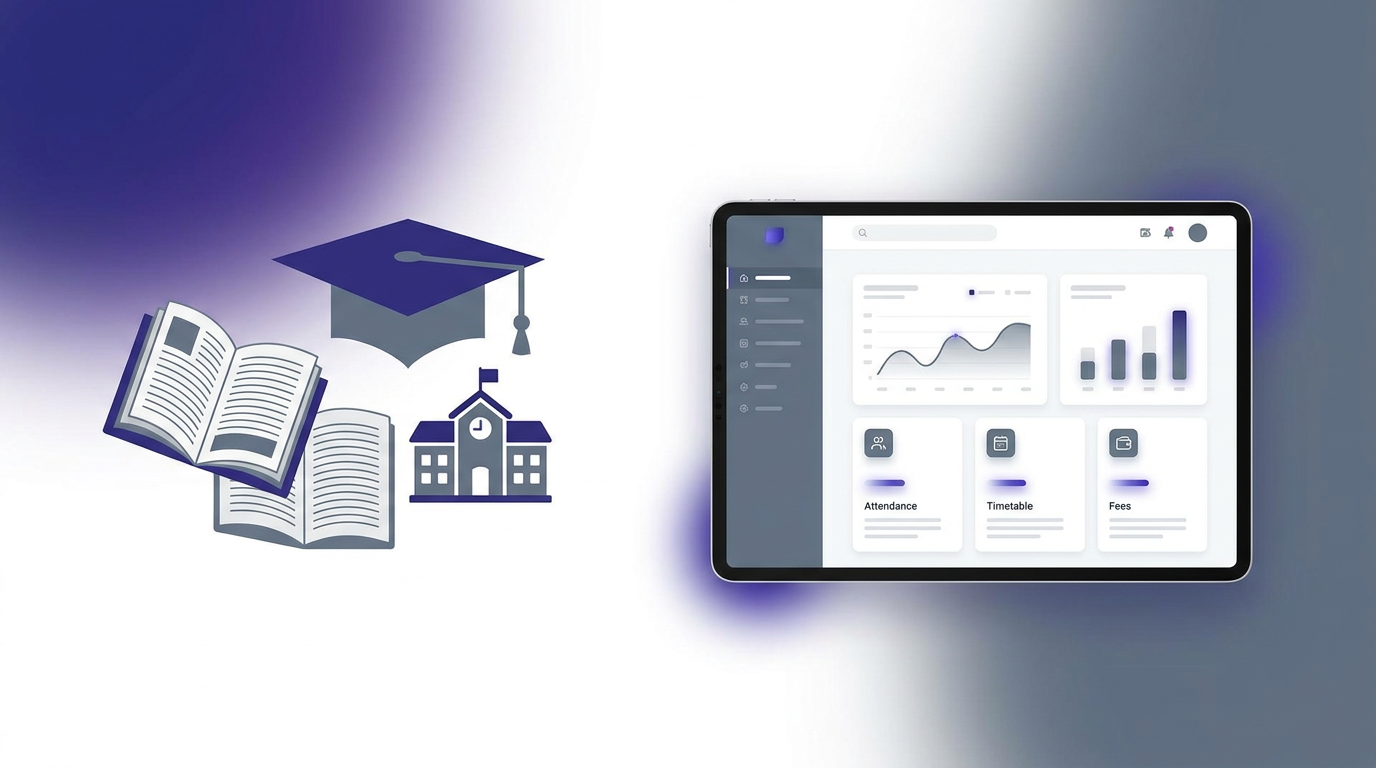
Our dashboard provides center owners with real-time conversion insights. Track counselor progress, analyze inquiry statuses, and identify bottlenecks through intuitive visual charts, optimizing your conversion pipeline.
One-Click Batch Registration
Convert prospective leads into registered, active student profiles instantly. The moment a registration payment is approved, CampusMint assigns the student to their designated batch, generates their ledger, and alerts their parents, ensuring a premium onboarding experience.